
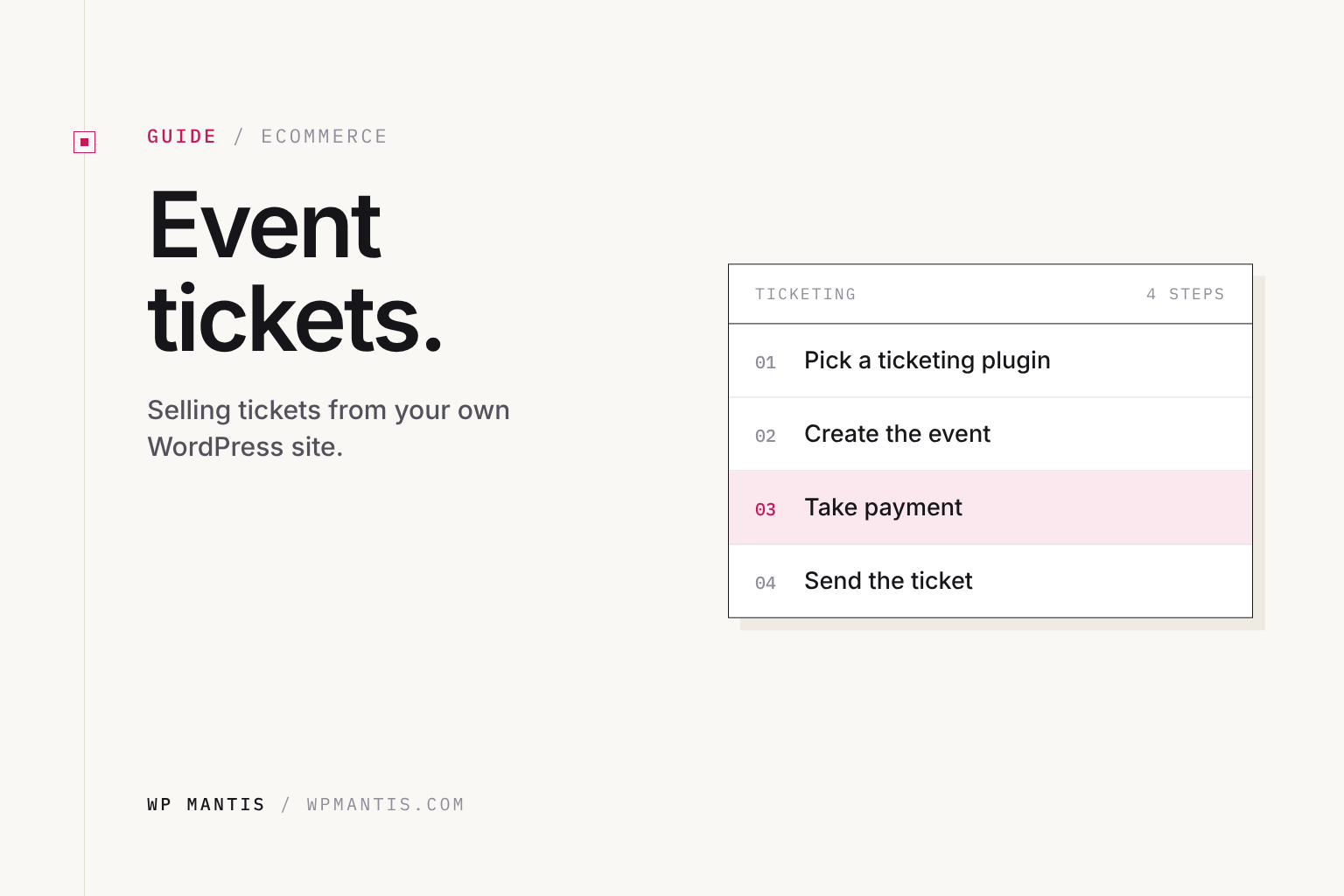
Selling tickets on your own website keeps buyers on your brand, gives you the customer list, and avoids per-ticket platform fees. WordPress handles it well with the right plugin. Here are the options we consider, and when a hosted service still makes more sense.
Event Tickets (The Events Calendar)
Event Tickets is made by the team behind The Events Calendar, the most widely used events plugin for WordPress. The free version handles RSVPs and basic ticket sales through Stripe or PayPal. Event Tickets Plus adds QR code check-in, custom attendee fields, capacity sharing across ticket types and WooCommerce integration.
Best for: organizations that publish a calendar of events and want tickets attached to each one.
Tickera
Tickera focuses on ticketing itself: seating charts, PDF tickets, check-in apps and many payment gateways. It can run on its own or through WooCommerce.
Best for: venues and single large events that need assigned seating or a dedicated check-in process.
WooCommerce with tickets as products
If you already run a WooCommerce store, tickets can simply be products with limited stock, or you can add a ticketing extension. You keep one checkout, one set of reports and all of your existing payment settings.
Best for: stores that sell a few events alongside regular products.
Simple option: a payment form
For a workshop or a single paid event with no seating, a payment form from WP Simple Pay or Gravity Forms with a quantity field may be all you need. See integrating Stripe with WordPress.
When Eventbrite or another hosted service is better
- You want event discovery: people browsing the platform for things to do.
- You run very large events with surge traffic at on-sale time.
- You do not want to handle refunds, ticket transfers and support yourself.
Many organizations do both: a hosted platform for big public events and WordPress for member events and workshops.
What to set up regardless of plugin
- Confirmation emails with the event details and a calendar link
- Capacity limits per ticket type
- A clear refund policy on the checkout page
- A test purchase in payment test mode before you announce the event
Need ticketing connected to your CRM, email list or member records? That is the kind of thing our Systems work handles. Tell us about your events.