
An AI chatbot can answer the same ten questions your team answers every day, at any hour, and hand real leads to a person. It can also give wrong answers in your name, frustrate visitors who wanted a human, and run up a bill. The difference is mostly in how you set it up. Here’s how we think about it, and the tools worth looking at.
Start with the job, not the tool
Pick one job for the chatbot to do well:
- Answer support questions from your documentation or FAQ, so fewer people need to contact you.
- Qualify leads: ask a few questions, then pass the visitor and their answers to your team.
- Help shoppers find products and check order status on a WooCommerce store.
A chatbot that tries to do all three usually does none of them well.
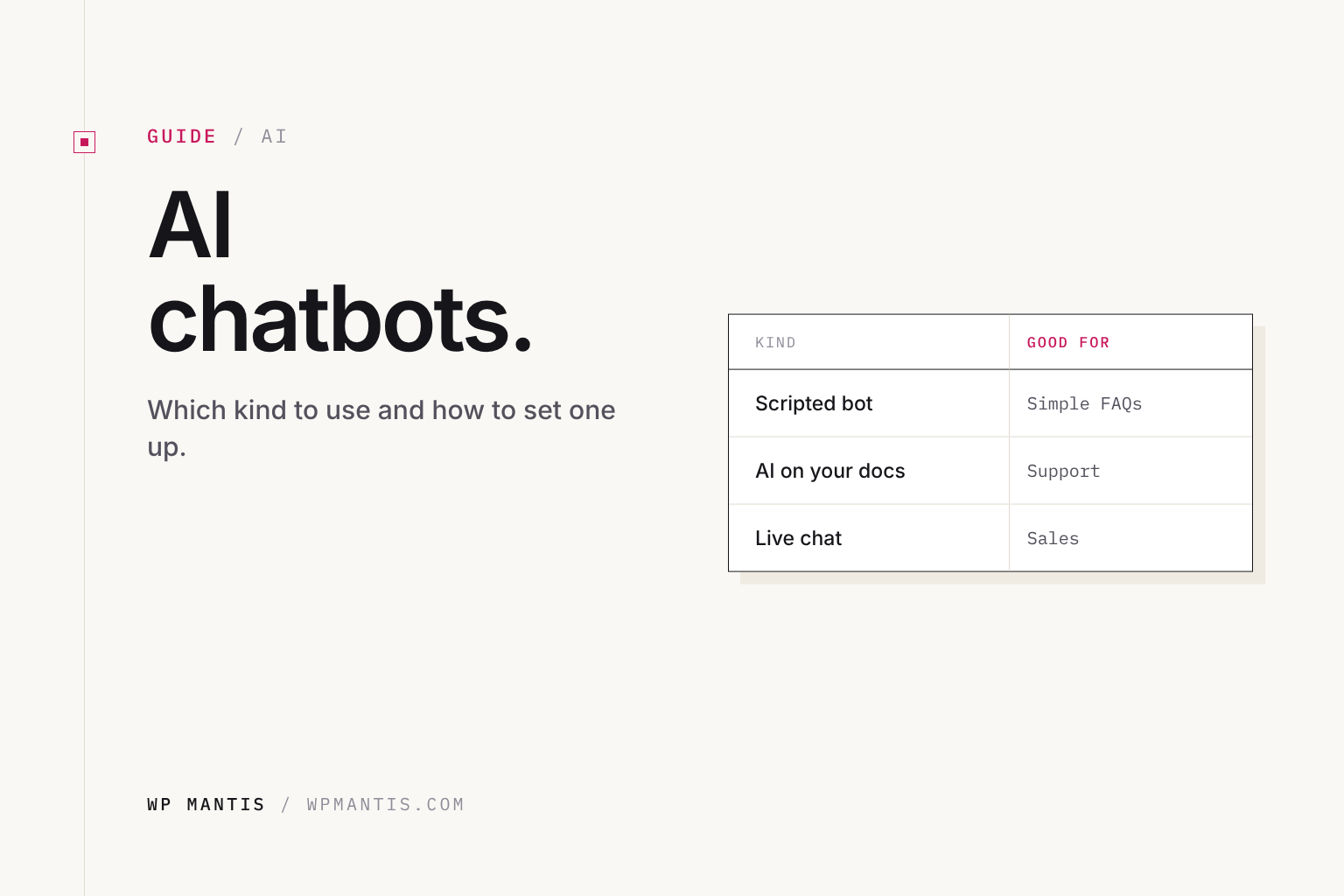
Three kinds of chatbot
WordPress plugins that use your own AI account
AI Engine is the most capable of these. It runs inside WordPress, builds a knowledge base from your own content, and connects to OpenAI, Anthropic’s Claude, Google Gemini or Mistral with your own API key. Kognetiks and WPBot are lighter alternatives. You pay the AI provider directly for usage, which is usually cheap for a small site, and you keep control of settings and data.
Hosted chatbots trained on your content
Services like Chatbase and DocsBot learn from your website, PDFs and help docs, then give you a widget to embed. Setup is quick and the answers are usually grounded in your own material. You pay a monthly subscription, and your content lives on their platform.
Live-chat tools with an AI agent
Tidio (with its Lyro AI agent) combines a chatbot with a shared inbox, so a person can take over the conversation. It’s a strong fit for stores, with WooCommerce order lookups built in.
How to set one up so it helps
- Feed it your real answers. Your FAQ, service pages, policies and help docs. Keep them current, because the chatbot repeats whatever it’s given.
- Tell it what not to do. No prices it can’t confirm, no legal or medical advice, no promises about timelines.
- Always offer a person. Give it a clear handoff: a contact form, a booking link, or a live agent. Collect the visitor’s name, email and question so nobody has to repeat themselves.
- Send leads somewhere useful. Captured leads should land in your CRM or inbox automatically, not in a chatbot dashboard nobody checks.
- Read the transcripts. For the first few weeks, review conversations weekly. The questions it gets wrong show you what to add to your content.
Watch the costs and the privacy
Usage-based pricing can surprise you if bots or a busy season drive up conversations, so set a monthly spending limit with your AI provider. Check where conversations are stored, update your privacy policy to mention the chatbot, and don’t ask it to collect sensitive information.
Is it worth it for your site?
If you answer the same questions by phone and email every week, yes, probably. If your site gets little traffic, a clear FAQ page and a short contact form will do more for less. We build the lead and intake side of this, where answers turn into forms, routing and follow-up, as part of our business systems work.