
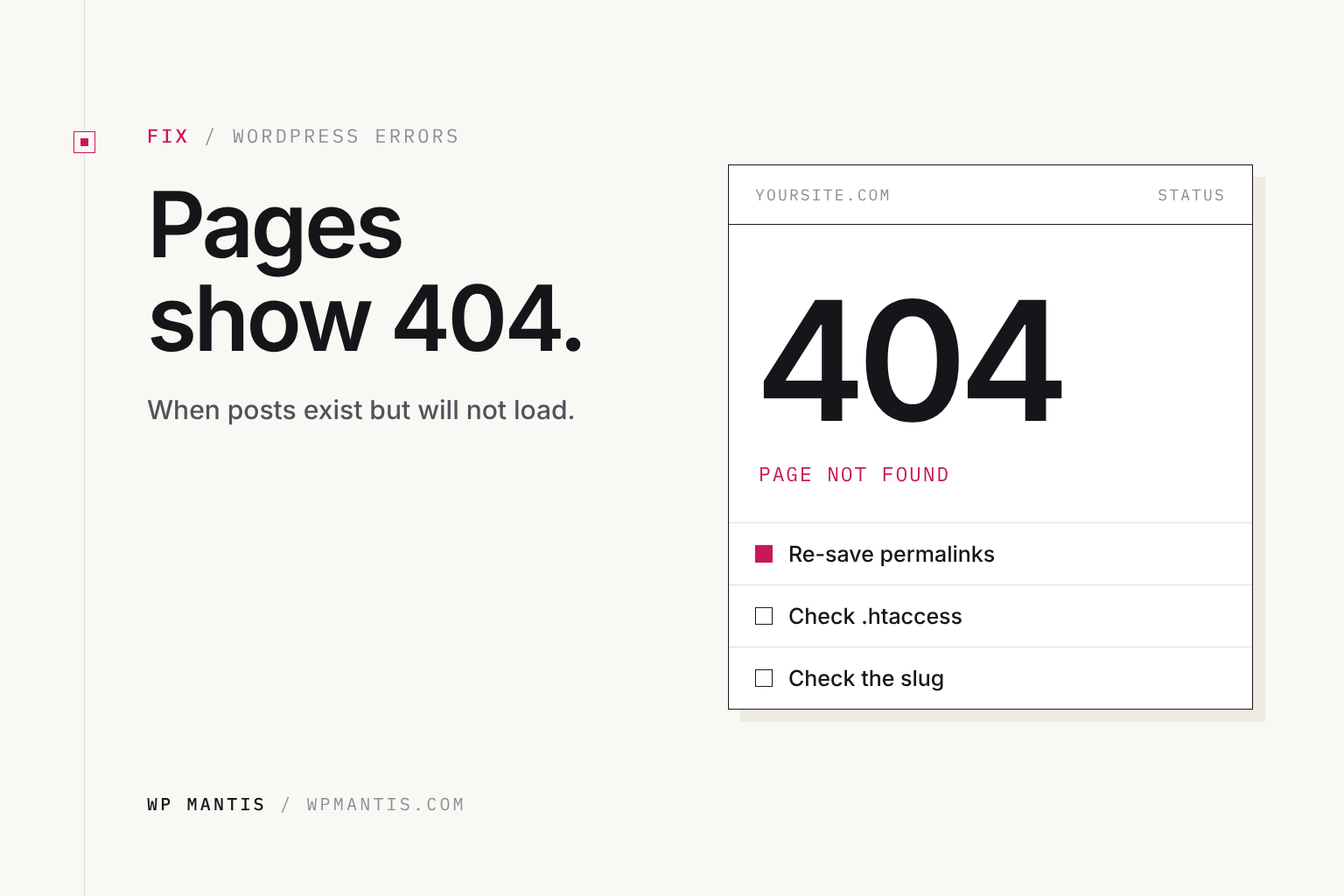
Your homepage loads, but clicking any page or post shows “404 Not Found.” The content is still there. WordPress just cannot match the pretty URL to it. This usually takes one minute to fix.
Fix 1: Re-save your permalinks
- Log in to WordPress.
- Go to Settings → Permalinks.
- Do not change anything. Click Save Changes.
- Reload one of the broken pages.
This rebuilds WordPress’s rewrite rules and, on Apache servers, rewrites the .htaccess file. It fixes the problem most of the time, especially after a migration or a plugin that registers new post types.
Fix 2: Check .htaccess (Apache and LiteSpeed)
If saving permalinks did not help, WordPress may not be able to write the file. Connect with SFTP and open .htaccess in the site root (show hidden files). It should contain the standard WordPress block:
# BEGIN WordPress
<IfModule mod_rewrite.c>
RewriteEngine On
RewriteBase /
RewriteRule ^index\.php$ - [L]
RewriteCond %{REQUEST_FILENAME} !-f
RewriteCond %{REQUEST_FILENAME} !-d
RewriteRule . /index.php [L]
</IfModule>
# END WordPress
If it is missing, add it. If the file exists but WordPress cannot update it, check that its permissions are 644.
Fix 3: Nginx servers
Nginx does not use .htaccess. The server configuration needs a rule that sends unknown URLs to WordPress (try_files $uri $uri/ /index.php?$args;). Managed WordPress hosts set this up automatically. If you just moved to an Nginx server and only the homepage works, ask your host to check it.
Fix 4: A plugin or post type slug clash
If only some URLs fail, look for a page and a custom post type or category using the same slug, or a recently installed plugin that changes URLs. Deactivate the plugin and re-save permalinks to test.
Single pages that really are missing
If an old URL was deleted or renamed, set up a 301 redirect to its replacement so visitors and search engines land somewhere useful. Most SEO plugins, including Mantis SEO, include a redirect manager.
Still seeing 404s?
Our $79 one-time fix covers it, fixed or your money back.