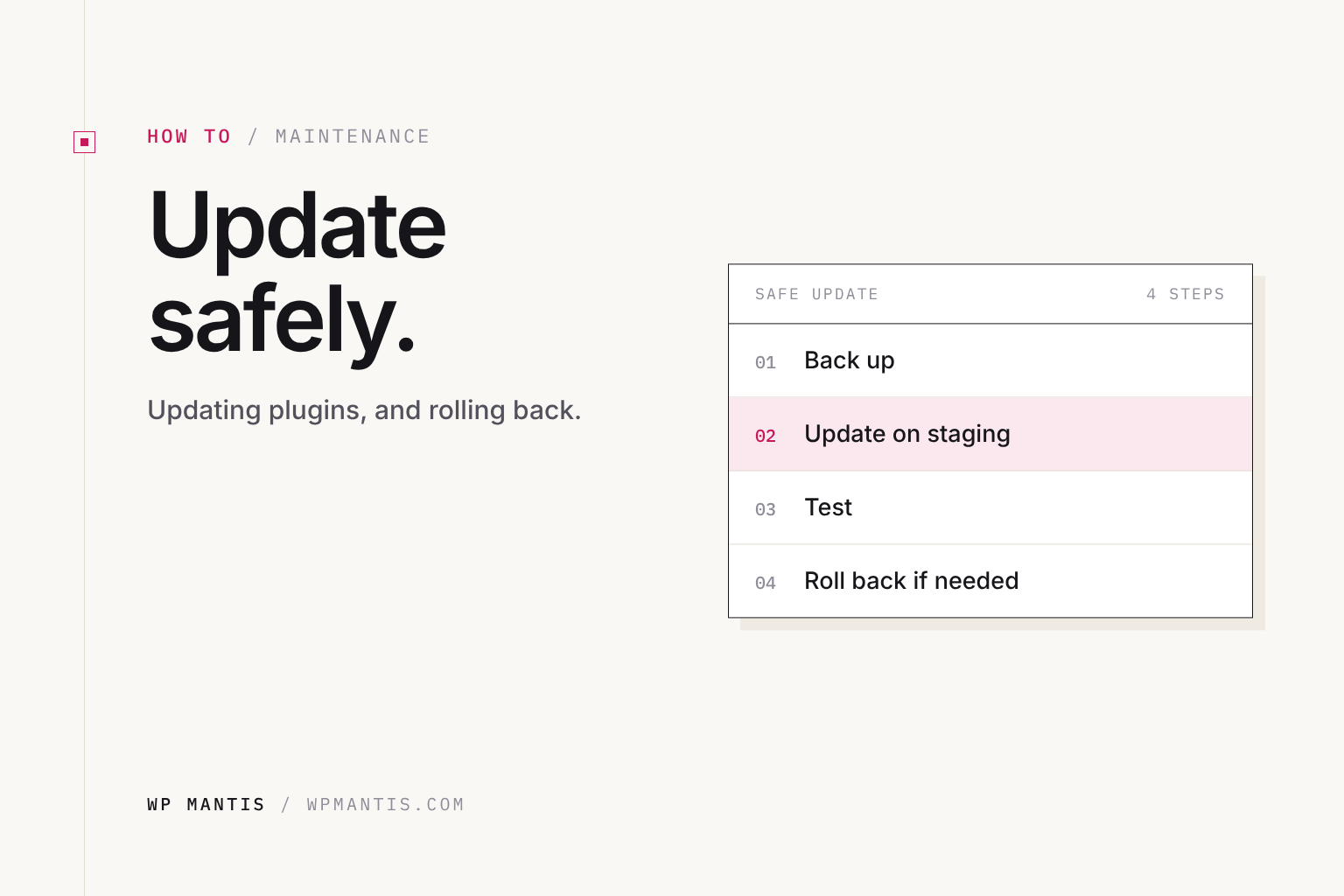
How to Update WordPress Plugins Safely (and Roll Back)
Back up, read the changelog, test on staging, update in the right order, and know how to roll back when an update breaks something.
Chris Eggleston
Read it →
Back up, read the changelog, test on staging, update in the right order, and know how to roll back when an update breaks something.
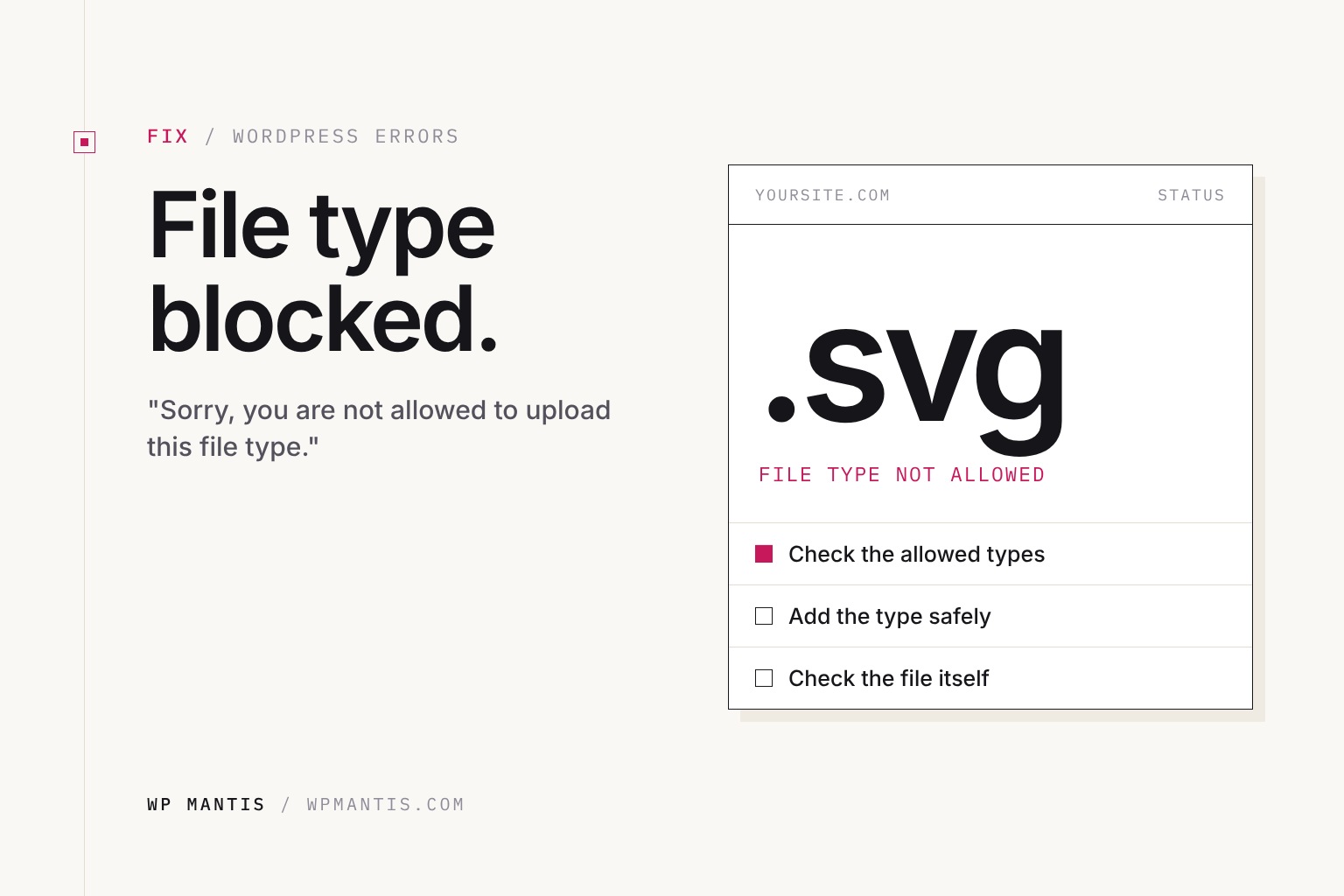
Why WordPress rejects SVGs, fonts, and other files, and how to allow the file types you need without creating a security risk.
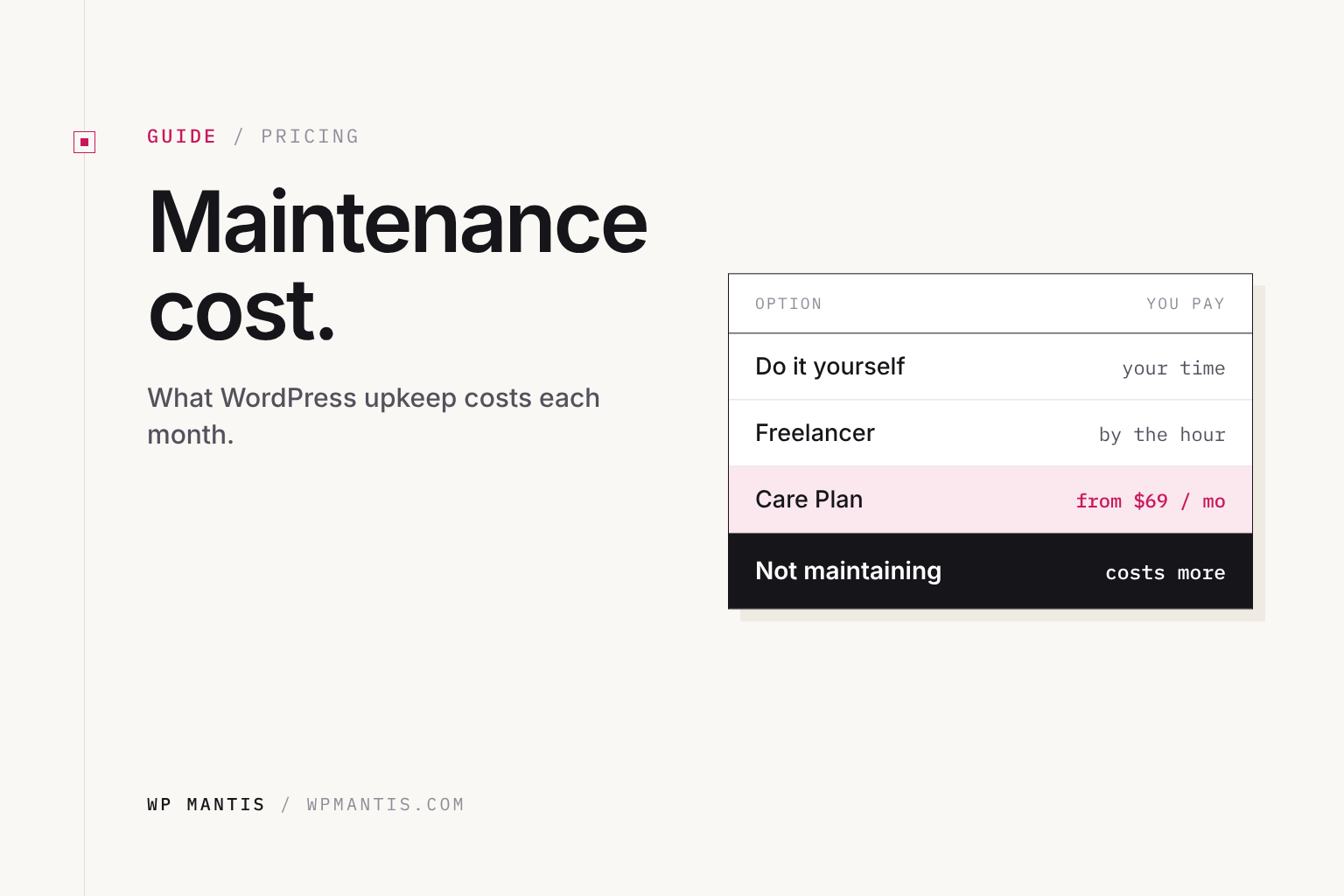
What website maintenance really costs, from DIY to freelancer to agency plans, what a plan should include, and when a rebuild is the better spend.
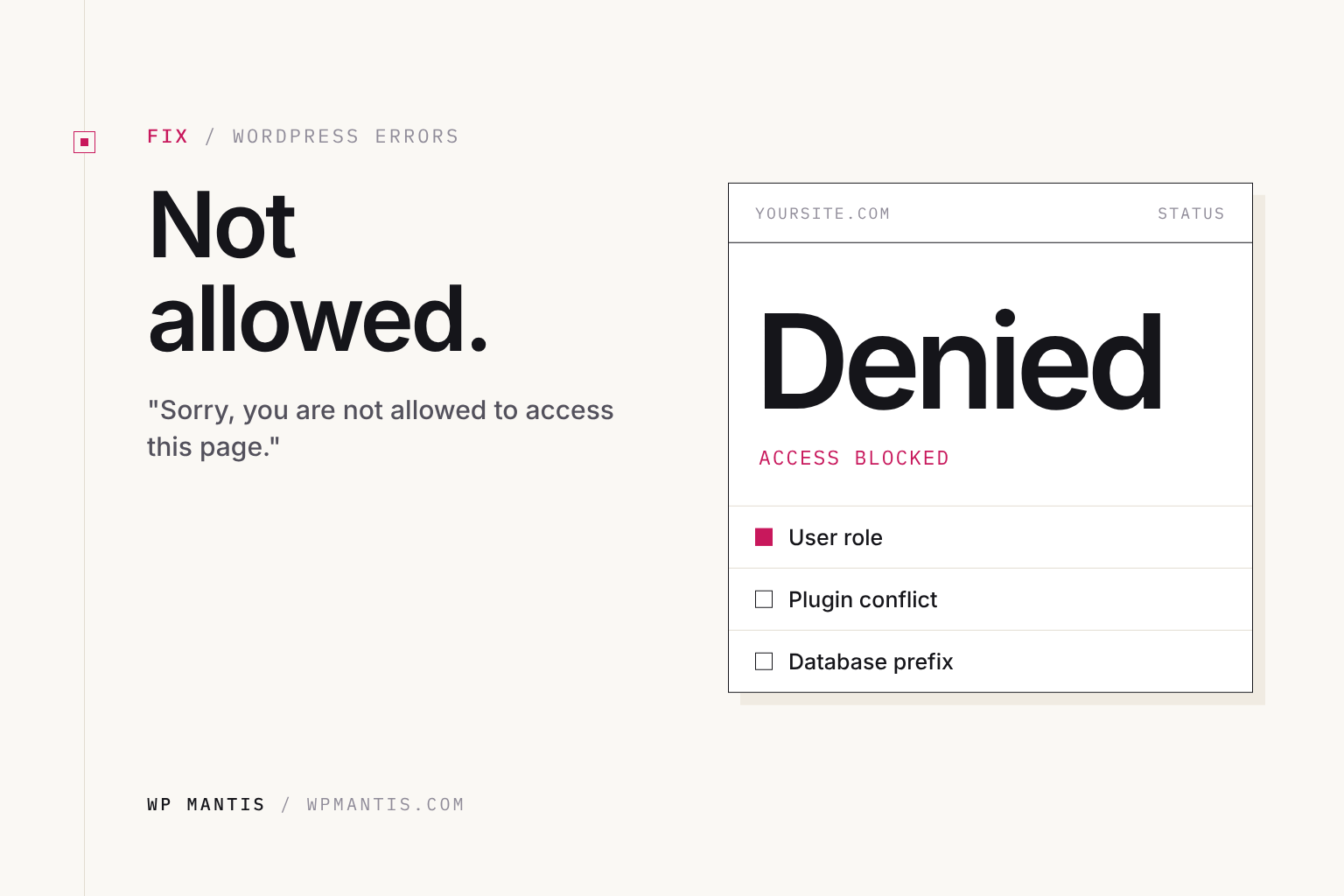
Why WordPress says "Sorry, you are not allowed to access this page" and how to restore your admin access, even after a migration.
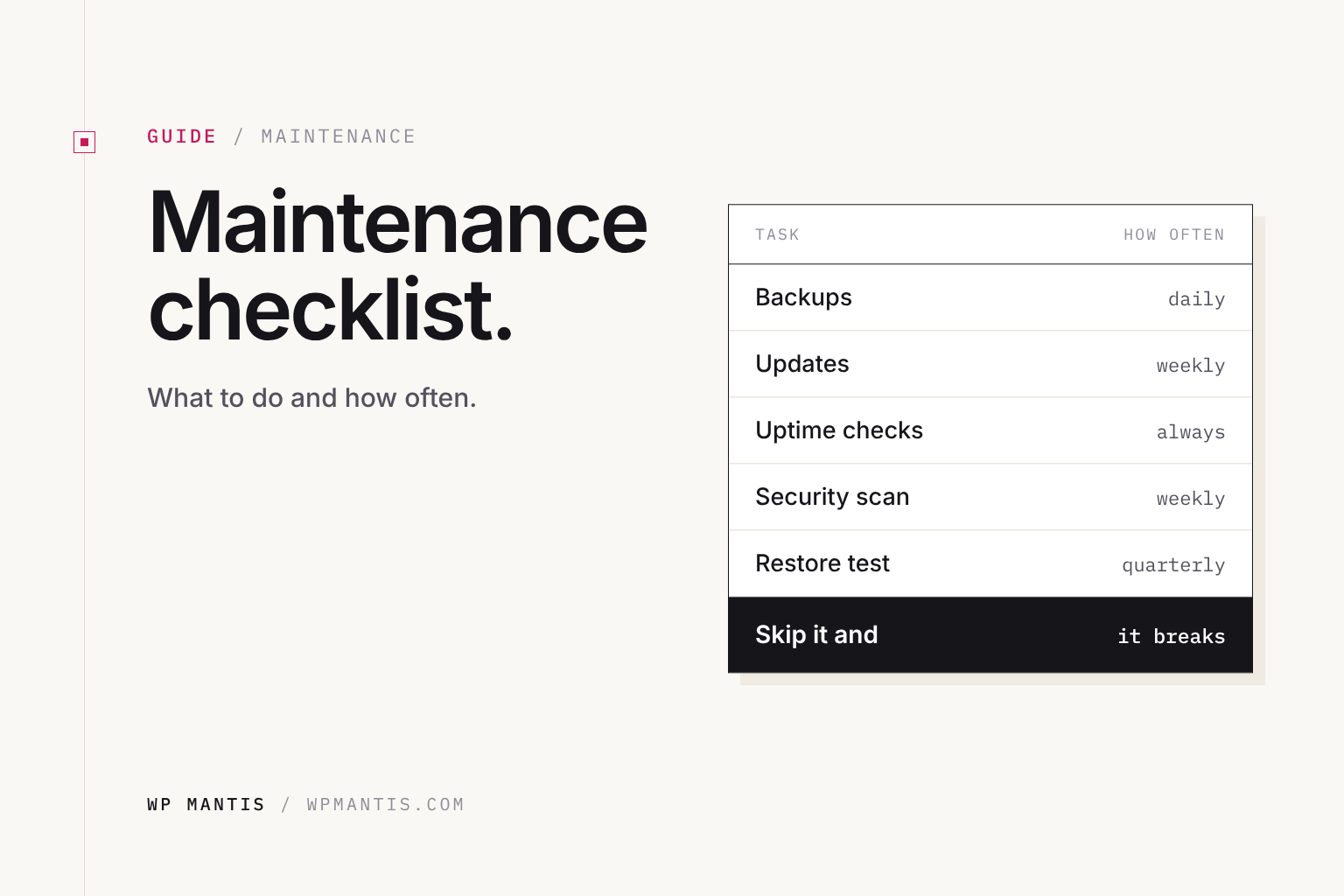
The weekly, monthly, quarterly and yearly WordPress tasks that keep your site backed up, secure, fast and working.
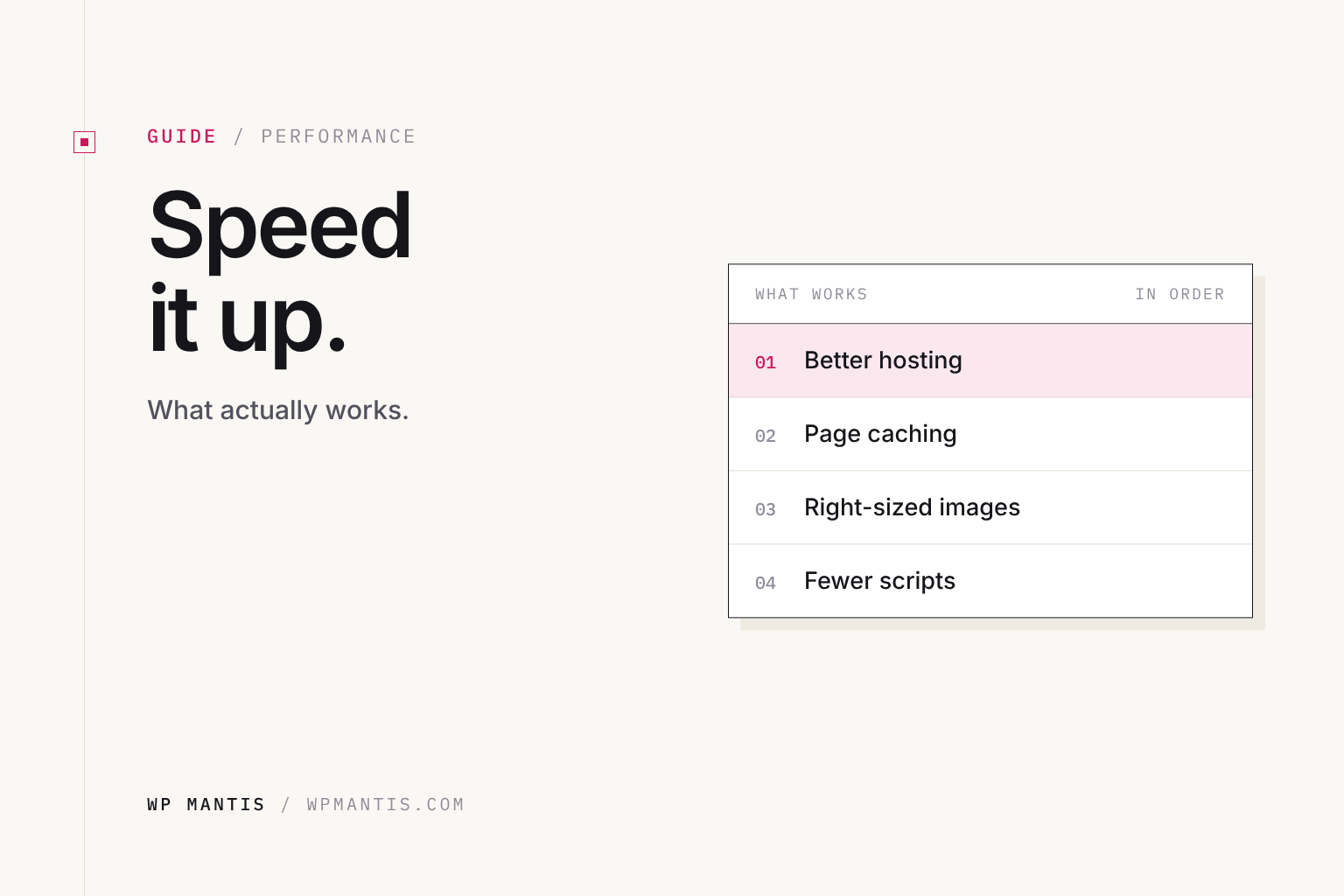
Speed up a WordPress site in the right order: measure, then fix hosting, caching, images, plugins, theme weight, the database and CDN.
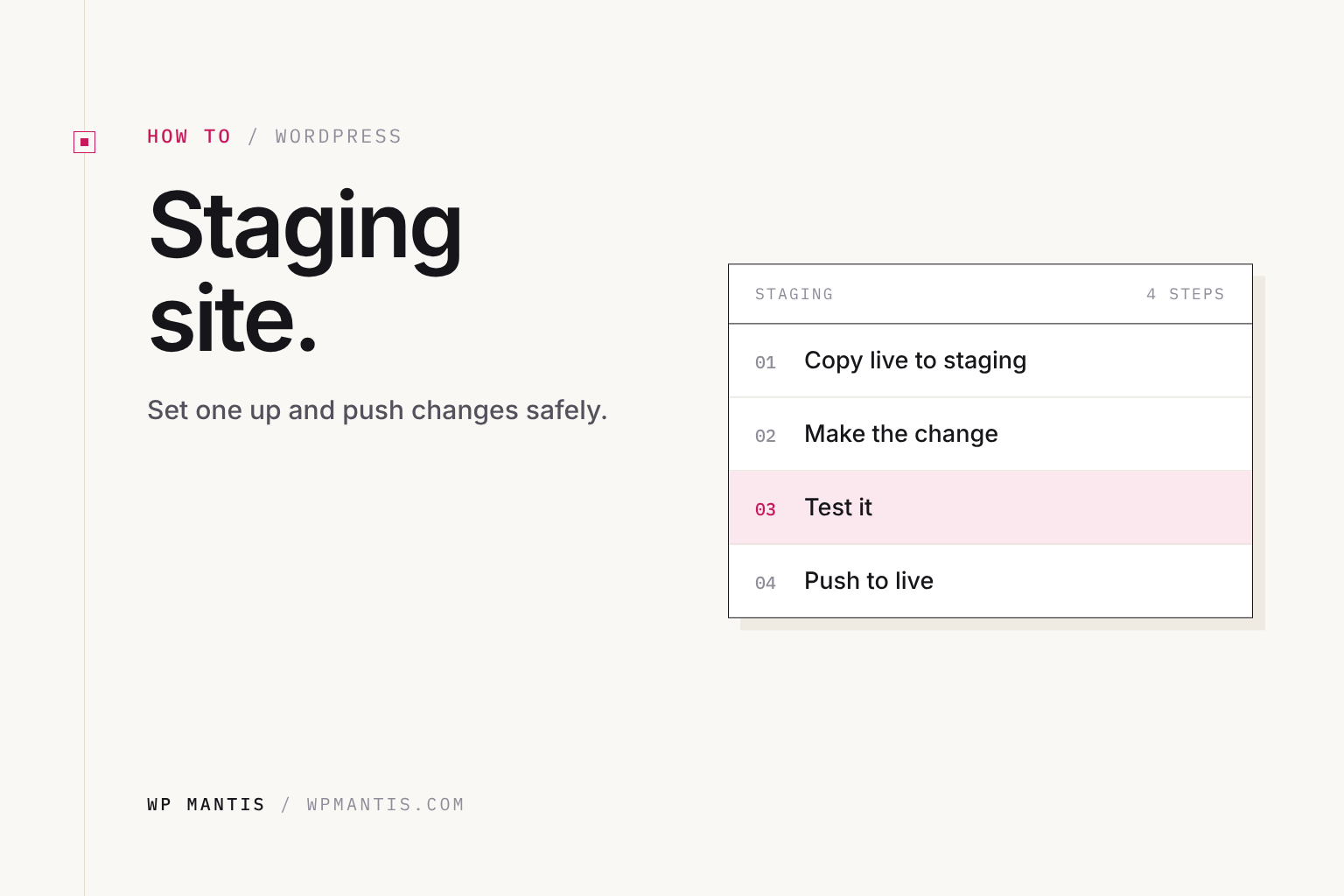
How to create a WordPress staging site, keep it private, and push changes to live without overwriting orders, form entries or new content.
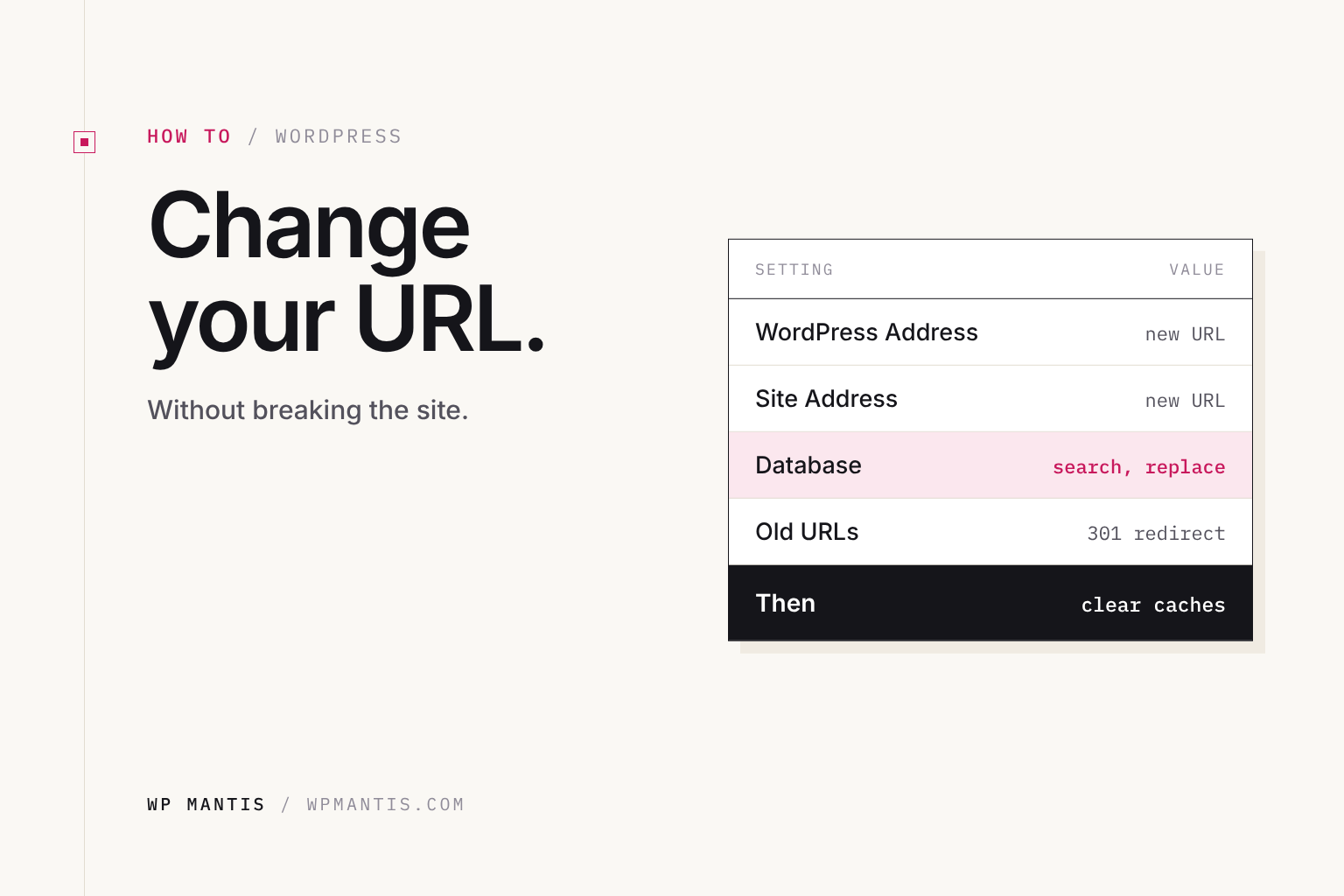
The four steps to a clean WordPress URL change: settings, a safe database search and replace, 301 redirects and Search Console.
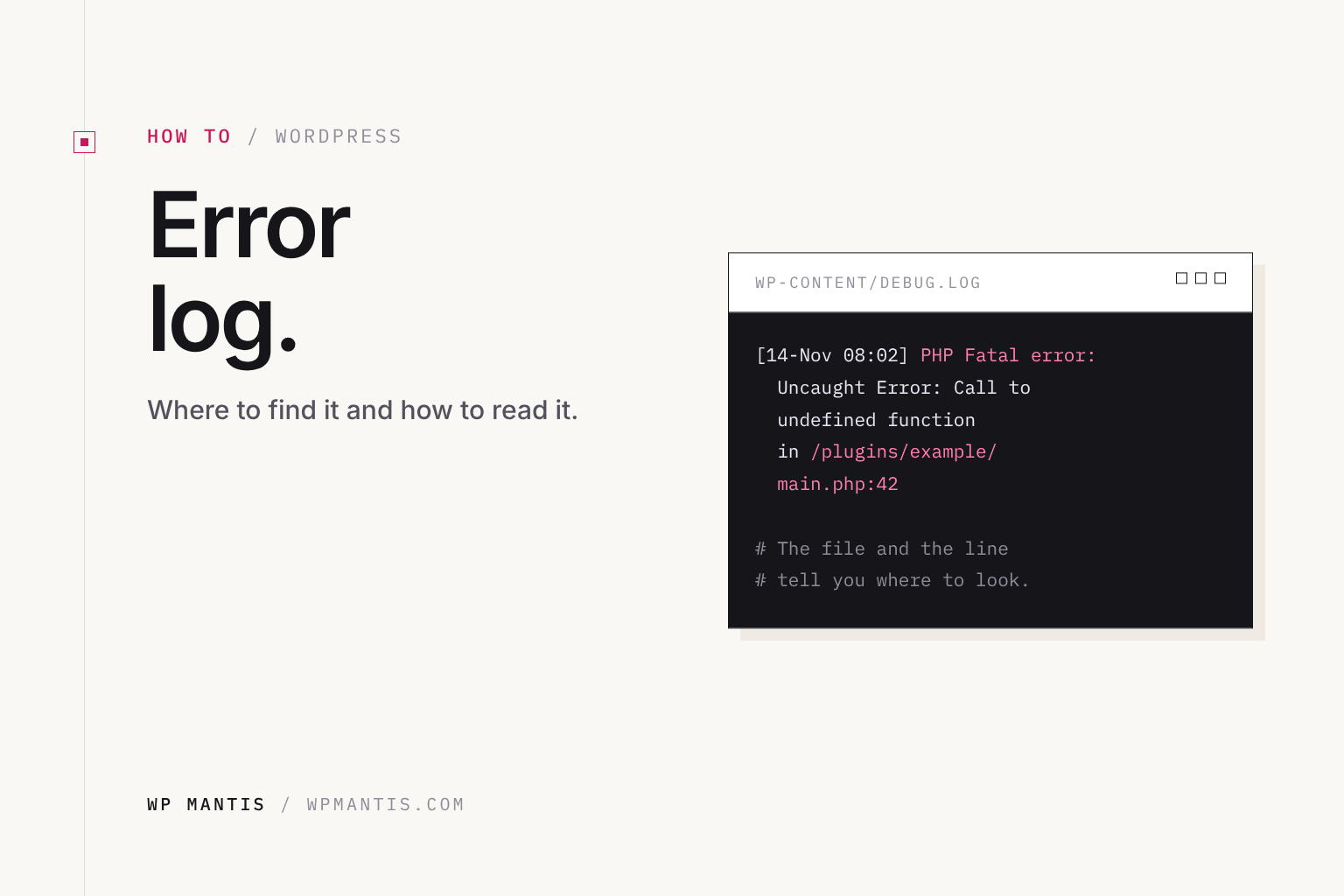
Where to find PHP errors for your WordPress site, how to read a fatal error line to find the cause, and how to turn logging off afterward.
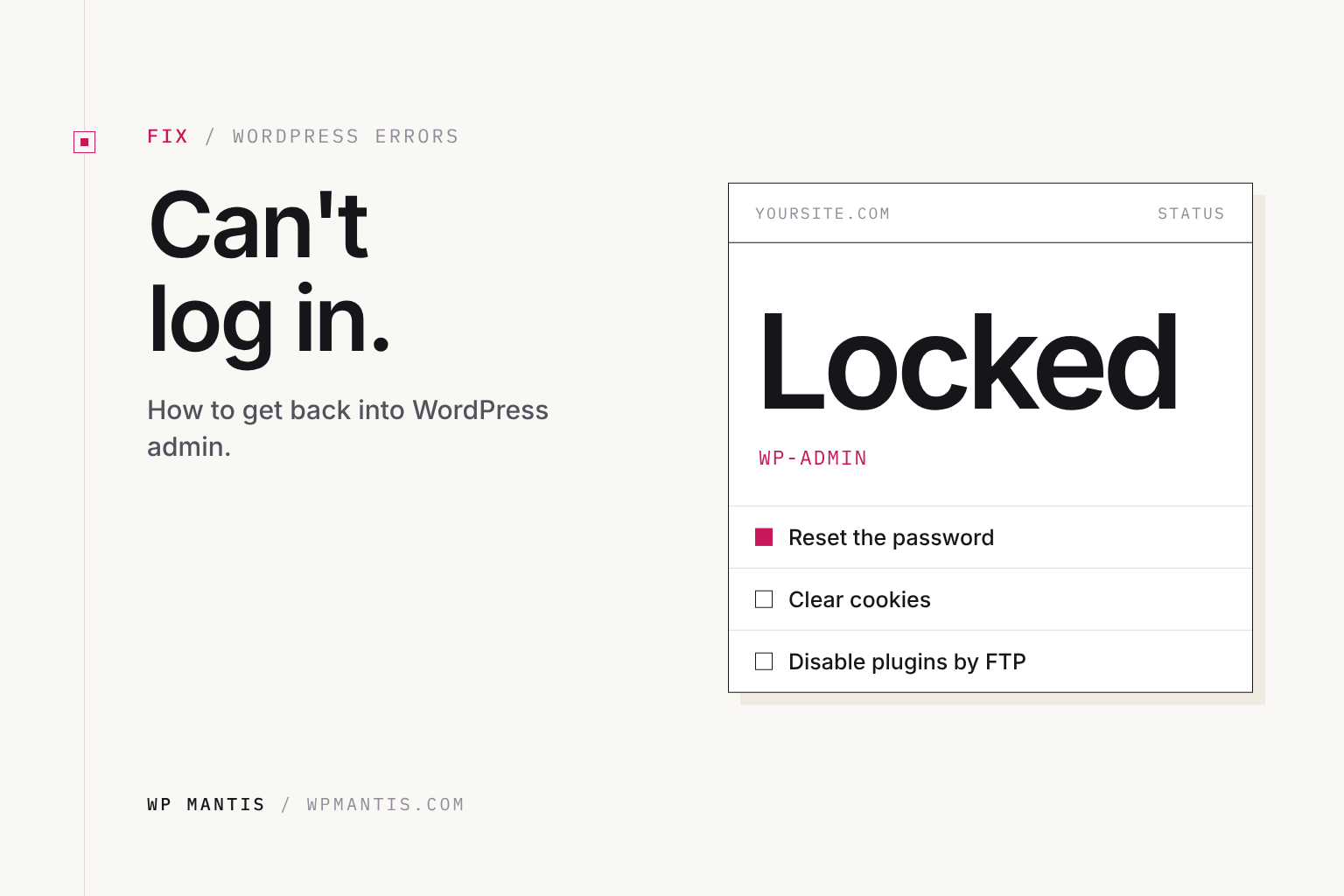
Login loops, rejected passwords, security lockouts and lost login URLs: how to find the cause and get back into your WordPress dashboard.