
Most business owners find out their website is down when a customer tells them. By then it may have been down for hours. Here is how to know right away, and what to do about it.
Why it matters
Every hour offline is lost leads, sales and trust. Repeated downtime also affects search rankings: if Google keeps finding your site unavailable, it crawls it less often and may drop pages from results.
How much downtime is normal?
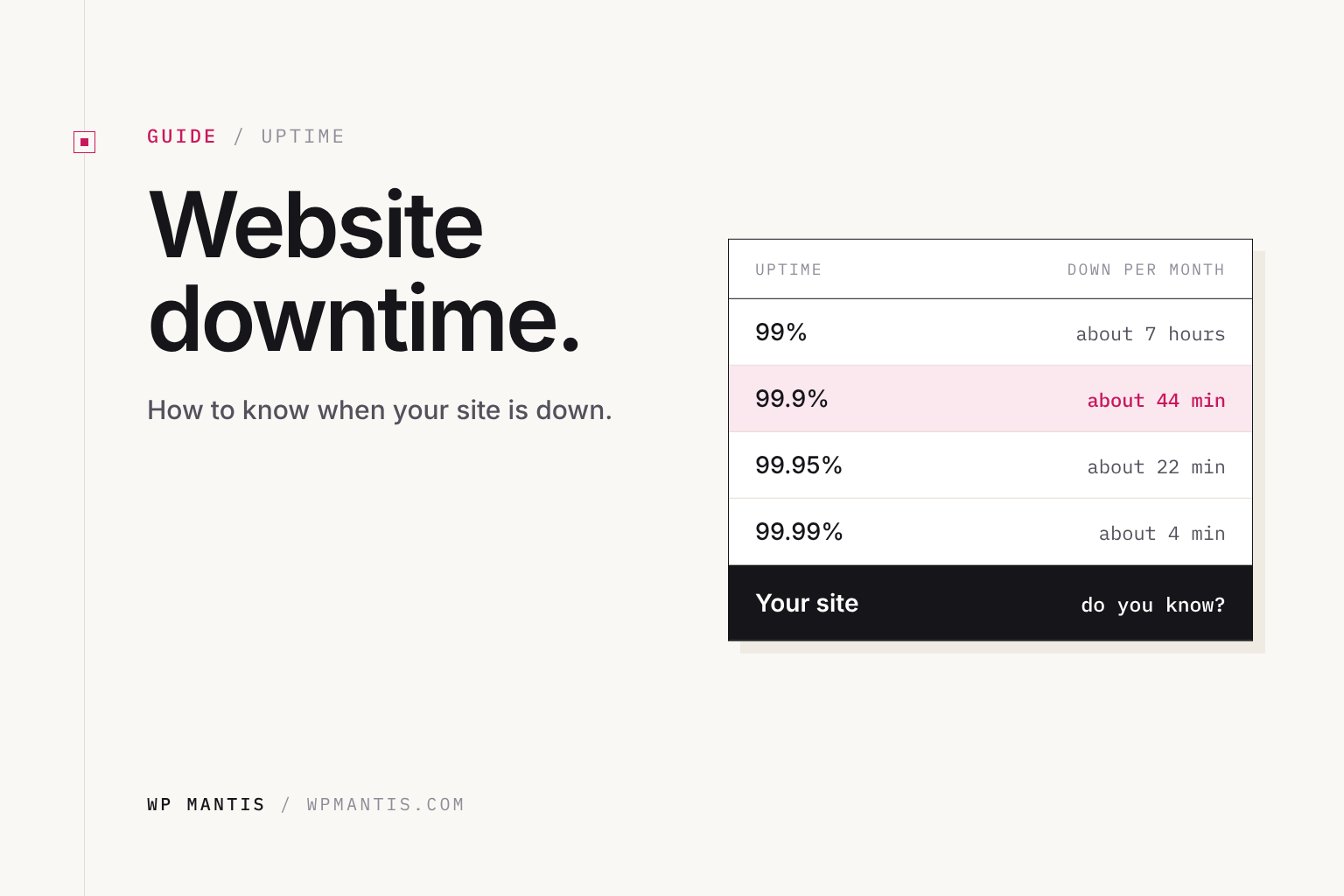
Hosts advertise uptime as a percentage, and the numbers sound closer together than they are. Here is what each one allows:
| Uptime | Downtime per month | Downtime per year |
|---|---|---|
| 99% | About 7 hours | About 3.7 days |
| 99.9% | About 44 minutes | About 8.8 hours |
| 99.95% | About 22 minutes | About 4.4 hours |
| 99.99% | About 4 minutes | About 53 minutes |
A small business site on decent hosting should sit at 99.9% or better. If your monitor shows less than that over a few months, the hosting or the site has a problem worth fixing.
Read the fine print on any uptime guarantee. Most only cover the host’s network and hardware, exclude scheduled maintenance, and pay out as a small credit on your bill. A guarantee is not the same as monitoring.
What causes downtime
- Hosting problems: overloaded shared servers, outages or maintenance.
- Failed updates: a plugin or theme update that causes a fatal error. See fixing a critical error.
- Expired domain or SSL certificate. Both are preventable with auto-renew.
- Traffic spikes that exceed what the server can handle.
- Hacks that take the site offline or get it suspended by the host.
- Database problems, such as “Error establishing a database connection.”
Set up uptime monitoring
An uptime monitor checks your site every minute or few minutes from outside and alerts you by email, text or app when it stops responding. Options:
- UptimeRobot and Better Stack both have free tiers that are plenty for a small business.
- Jetpack includes basic downtime monitoring.
- Your host may include monitoring in its dashboard.
Monitor more than the homepage if you can. A keyword check on your contact or checkout page catches problems where the server responds but the page is broken.
What a good monitor setup checks
- The page loads. A basic check that the site answers with a normal response.
- The right content is on it. A keyword check confirms a word that should be on the page is there. This catches a blank page or an error message that still answers as if everything is fine.
- The SSL certificate. An alert a couple of weeks before it expires.
- The domain. An alert before the registration expires.
- More than one location. Checks from several places avoid false alarms from one bad connection.
Send alerts somewhere that still works when the site is down. If your email runs on the same server as your website, an email alert will not reach you. Use a text message, an app notification, or an address at a different provider.
When it goes down
- Check from another network or a site like downforeveryoneorjustme.com to confirm it is not just you.
- Check your host’s status page and your email for notices.
- If you can reach the dashboard, think about what changed last: an update, a new plugin.
- Check that your domain and SSL certificate have not expired.
- Contact your host or your support team with the exact time it started.
What the error on screen is telling you
| What you see | What it usually means | Next step |
|---|---|---|
| Error establishing a database connection | WordPress cannot reach its database | Database connection fix |
| 500 Internal Server Error | A code or server configuration fault | 500 error fix |
| There has been a critical error | A plugin or theme crashed | Critical error fix |
| A blank white page | A crash with errors hidden | White screen fix |
| Briefly unavailable for scheduled maintenance | An update did not finish | Maintenance mode fix |
| A browser security warning | The SSL certificate expired or is misconfigured | SSL setup |
| This site can’t be reached | A domain or DNS problem, or the server is off | Check the domain registration and DNS records |
| Account suspended | The host turned the site off for billing, resource use or malware | Contact the host |
After it is back up
- Write down when it went down, when it came back and what fixed it.
- Ask the host what happened on their side. Keep the answer.
- Fix the cause, not only the symptom. If an update broke it, test updates on a staging site first from now on.
- Confirm your backups are running and that you can restore one.
- If the same hosting problem has happened more than once, it will happen again. That is the point to move hosts.
Common questions
How do I find out how much downtime I have already had?
You cannot see it after the fact unless something was watching. Two places may have a partial record: your host’s dashboard, and Google Search Console under Settings, then Crawl stats, then Host status, which shows whether Google had trouble reaching the site in the last 90 days.
Is a slow site the same as a down site?
To a visitor it nearly is. Most people leave a page that takes too long, and many monitors count a very slow response as a failure. If the site is up but slow, see how to speed up a WordPress site.
How often should a monitor check?
Every one to five minutes is plenty for a small business. Faster checks matter for stores and booking sites where every minute costs sales.
Let us watch it for you
Every Care Plan includes uptime monitoring and a team that responds when it fires. If your site is down right now, the $79 one-time fix gets it back online.