
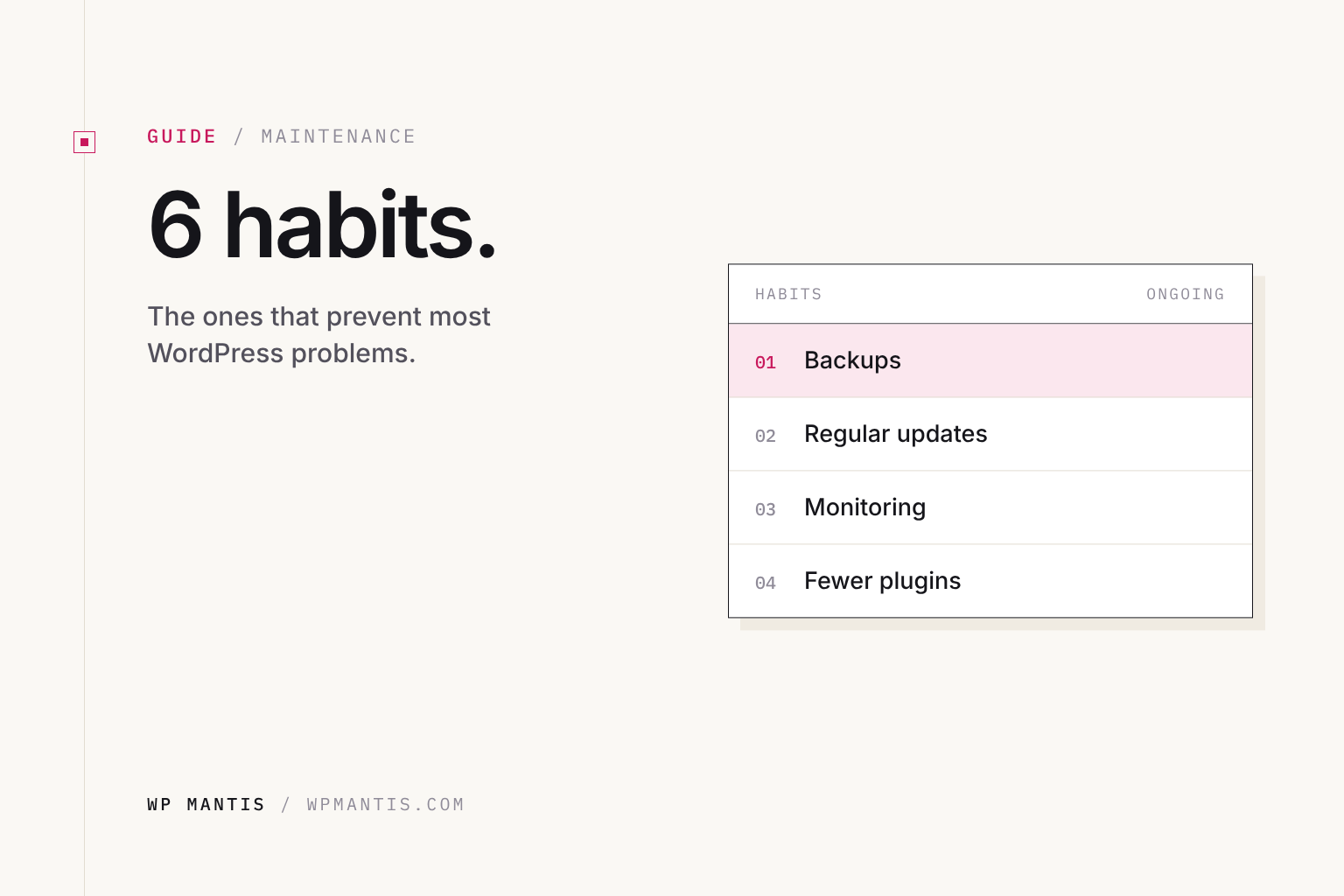
Most WordPress emergencies we fix trace back to the same handful of causes. None of them need technical skill to prevent, just a few habits. Here they are.
1. Start with good hosting
Cheap shared hosting is behind a lot of slow sites, timeouts and failed updates. Look for a host with guaranteed resources, daily off-site backups, staging and current PHP. We host client sites on xCloud. See how we choose hosting.
2. Use fewer, better plugins
Every plugin is code someone else maintains. Before installing one, check when it was last updated, how many active installs it has, and whether support questions get answered. Remove plugins you are not using. Deactivated plugins can still be exploited if they stay installed.
3. Update carefully, not blindly
Outdated software is the top cause of hacks; untested updates are the top cause of broken sites. Update regularly, after a backup, and test business-critical sites on staging first. More on that in should you turn on auto-updates?
4. Lock down logins
- Unique, long passwords from a password manager
- Two-factor authentication for every administrator
- Only give admin access to people who need it, and remove old accounts
- A security plugin to limit login attempts and watch for file changes (see our pick)
5. Back up, and test the backup
Daily backups stored somewhere other than your server, and a test restore every few months. A backup you have never restored is a guess. Our backup guide covers it.
6. Delete unused themes
WordPress installs a few default themes (Twenty Twenty-Four, Twenty Twenty-Five and so on). Keep one current default theme as a fallback, because WordPress switches to it if your theme breaks. Delete the rest, along with any other theme you are not using. If you use a child theme, keep its parent.
Or hand it off
These six habits are exactly what a Care Plan covers, done every month by people who do it every day. If something already broke, the $79 one-time fix handles it.