
Hiring the wrong WordPress developer rarely costs you much up front. It costs you later, when the site is slow, nobody can update it, the developer stops answering, and the next person you hire says it has to be rebuilt. The way to avoid that is less about finding the cheapest rate and more about knowing what you’re hiring for and what to check before you sign.
Here’s how to hire a WordPress developer, what it costs, and the questions that separate a good hire from an expensive one.
1. Decide what you’re actually hiring for
“WordPress developer” covers very different jobs:
- A fix. Something is broken, slow or hacked, and you need it sorted once.
- A build or rebuild. A new site, or replacing one you’ve outgrown.
- Custom development. A plugin, integration or system that off-the-shelf tools can’t do.
- Ongoing care. Updates, backups, security and small changes every month.
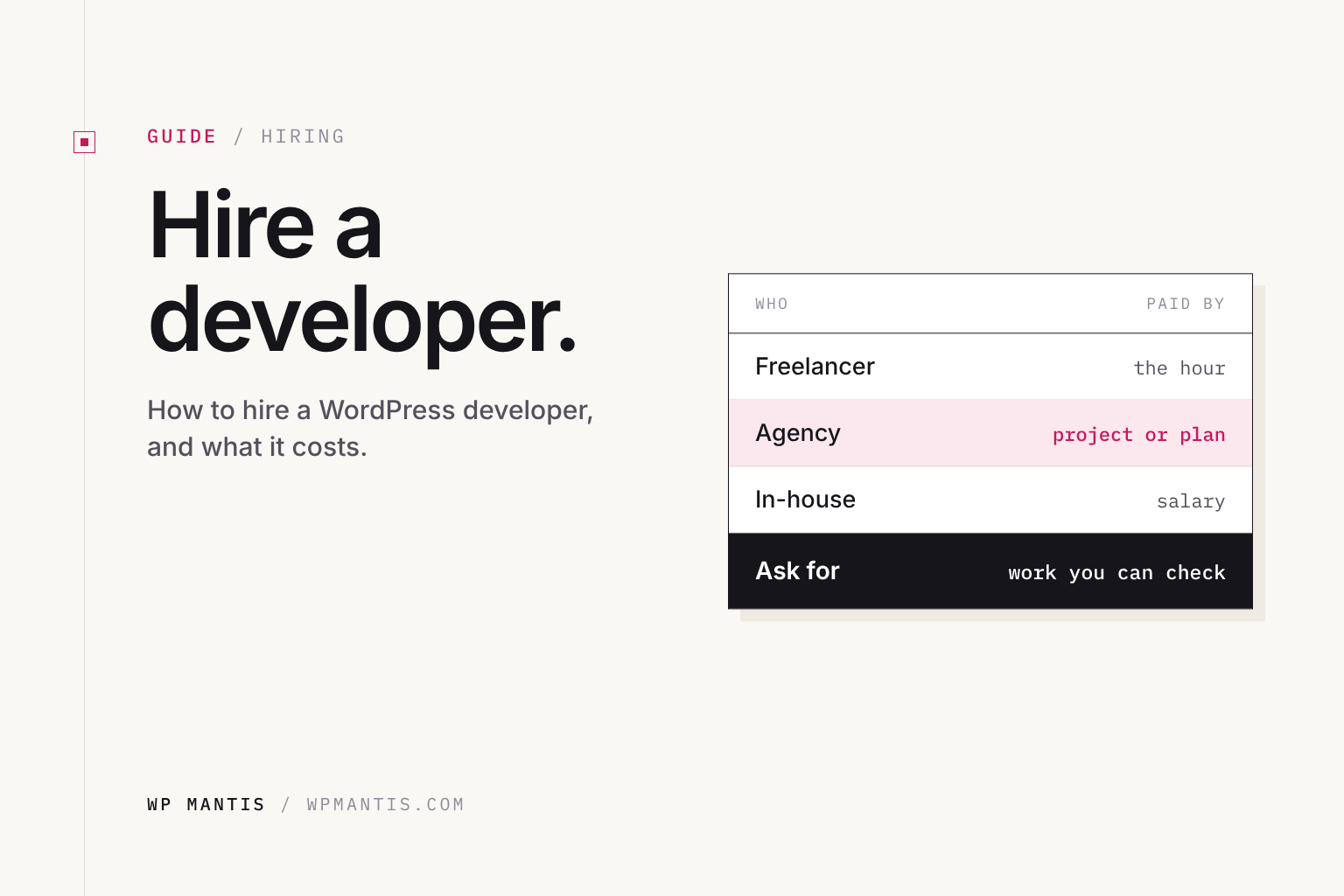
Then decide who fits. A freelancer can be great for a defined task. An agency covers more skills and doesn’t disappear when one person gets busy. An in-house developer makes sense once there’s a full-time workload. Most small businesses and nonprofits need a mix: a solid build, then someone responsible for it afterwards.
2. What a WordPress developer costs
Rates vary widely by experience, location and the kind of work:
- Freelance marketplaces. Upwork’s own cost page puts the median for WordPress developers on its platform at $15 to $28 an hour, with rates ranging from $15 to $40 and up (Upwork). That’s a global marketplace, so it includes developers in lower-cost countries.
- Employees. The US Bureau of Labor Statistics reports a median annual wage of $92,650 for web developers as of May 2025 (BLS). Add benefits and you have the cost of hiring in-house.
- Agencies charge more per hour than a marketplace freelancer, because you’re paying for a team, process and continuity.
How you pay matters as much as the rate. Hourly works for small, unclear tasks. A fixed project price works when the scope is clear. A monthly plan works when you want the site built and then kept improving. For reference, our one-time fixes are a flat fee, our care plans start at $69 a month, and our Growth Plans, which include the build, start at $1,000 a month. For what a full rebuild usually runs, see what a website redesign costs, and for ongoing upkeep, what website maintenance costs.
3. What to check before you hire
- Live sites, not screenshots. Visit sites they’ve built. Are they fast on your phone? Do the forms work? Do the businesses still use them?
- How they build. Ask what theme, builder and plugins they use, and why. A site stacked with dozens of plugins and a heavy page builder is harder to maintain and slower to load. You want someone who keeps it lean.
- What happens after launch. Who updates WordPress and plugins, who keeps backups, who watches security? “You can handle that” is an answer, but you should know it up front.
- How they communicate. How fast do they reply during the sales process? It rarely gets faster after you’ve paid.
- References from clients who have worked with them for more than one project.
4. Get ownership in writing
This is the step most people skip and later regret. Before work starts, agree on:
- The domain is registered in your name, on your account.
- Hosting is in your name, or the contract says how you get it back.
- You get full administrator access to WordPress, hosting and every service the site uses.
- You own the code and content they create for you, including custom plugins and designs.
- Premium plugin and theme licenses are in your name, or the contract explains who renews them.
- What happens if they stop working with you: what they hand over, and how fast.
If a developer won’t put this in writing, keep looking. If you’re collecting proposals from several developers, our website redesign RFP template includes these questions.
5. Red flags
- No written contract or scope.
- They insist on owning the domain or hosting account.
- They won’t give you an administrator login.
- “Guaranteed first page of Google.”
- Pirated (“nulled”) premium plugins or themes to save you license fees. They can carry malware and never get security updates.
- A low price with no plan for updates, backups or security after launch.
- They can’t explain their choices in plain language.
Questions to ask in the first call
- What would you build this with, and why?
- Can I see three live sites you built and still look after?
- What happens after launch, and what does it cost?
- Who owns the domain, hosting, code and licenses?
- How do you handle changes that come up mid-project?
- What happens if you’re unavailable for two weeks?
- How do you test before something goes live?
How we work
We’re a small WordPress team that builds and then keeps looking after what we build. Most clients start on a monthly Growth Plan, where we rebuild the site and keep improving it, with hosting and maintenance included. When the job needs something off-the-shelf tools can’t do, we write it as custom development. Your domain and admin access stay yours, and who owns what is in writing before we start.
Not sure what kind of help you need? Get a free site review and we’ll tell you honestly, even if the answer is a freelancer for a one-time fix.