UPDF
A PDF editor for Mac, Windows, iPhone and Android that edits, converts, signs and organizes PDFs.
$95 one time (was $140)
4.6 rating, 195 AppSumo reviews
What it does
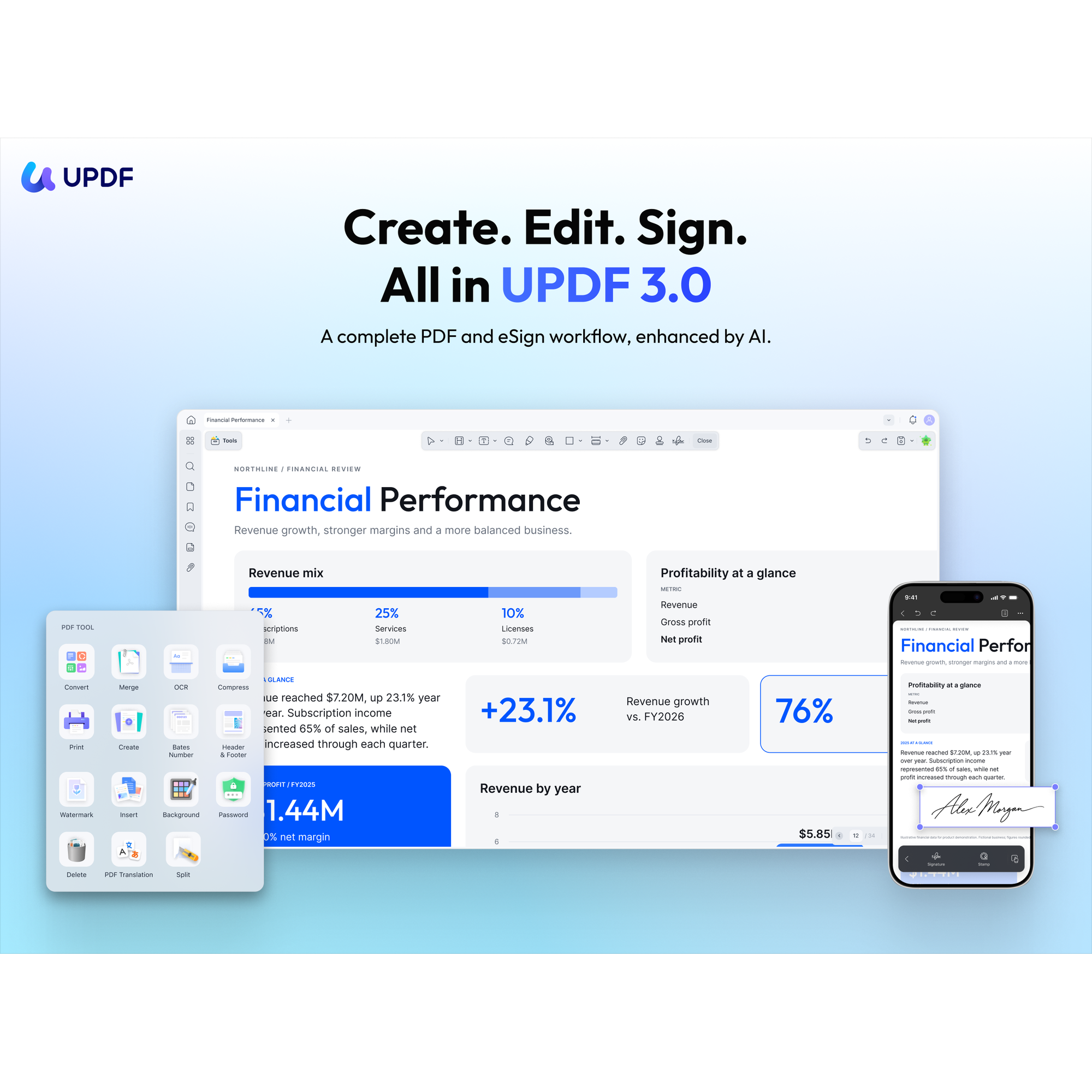
UPDF handles everyday PDF work in one app: edit text, add notes, convert files, reorganize pages, run OCR on scans and send documents for signature.
It runs on Mac, Windows, iOS and Android. The desktop app works with files on your computer, so you don’t upload them to edit them.
It fits offices that handle forms, contracts and scanned paperwork and want to stop paying for separate PDF and e-signature tools.
Key features
- Edit, annotate and convert PDFs
- Organize pages and batch-process files
- OCR for scanned documents
- Send, sign and track documents
- Apps for Mac, Windows, iOS and Android
- Available in 12 languages
Good for
Signed agreements
Send and sign client paperwork.
Scanned paperwork
Turn scans into searchable, editable PDFs.
Office forms
Edit and fill PDFs without printing.
Before you buy
- This deal is for individuals and is not stackable.
- The mobile apps have different features than the desktop apps.
- OCR isn’t available yet on Macs with Intel chips.
- A lifetime deal is a one-time payment for the plan you buy. Check its limits against what you need now and in a year, since upgrades later can cost more.
Questions
Which devices does UPDF run on?
Mac, Windows, iOS and Android. The mobile features differ from the desktop ones.
Do my files get uploaded?
No. The desktop app works with files stored on your computer.
Is there a free version?
Yes, with limits: it adds watermarks when saving, allows 5 OCR uses and two conversions a day.
We build the site and connect the tools.
On a Growth Plan we set up your booking, forms, email and chat so they work together with your website, then keep it all running.