
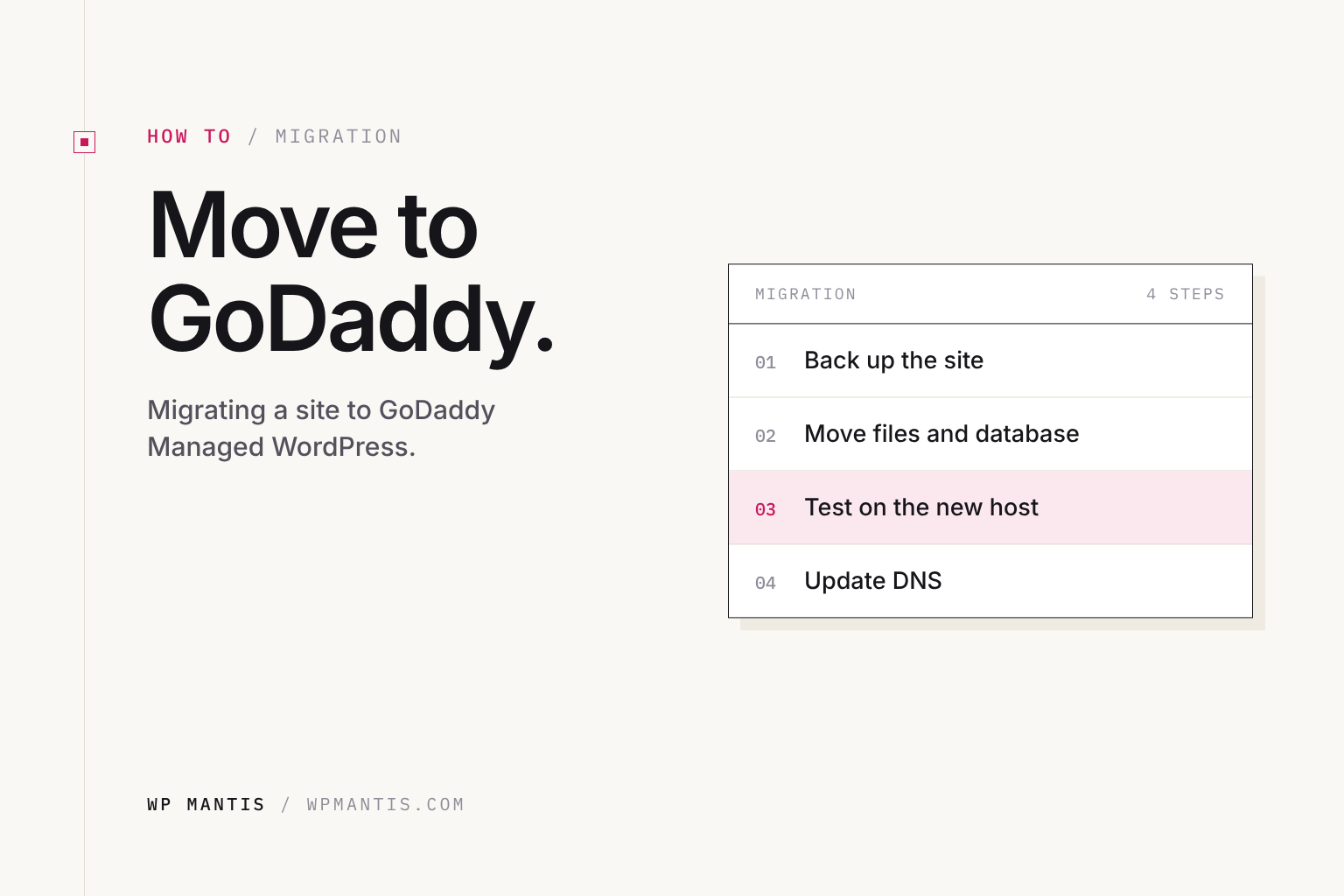
If you are moving a site to GoDaddy’s Managed WordPress hosting and the automatic migration keeps failing, here is how to get it done. First, a quick note: we do not host client sites on GoDaddy (see why), but if you have already decided, these steps will get you there.
Before you start
- Take a full backup of the current site and download it.
- Note your current PHP version and check that the plugins you rely on are supported on the new host.
- Lower the DNS TTL for your domain a day ahead so the switch takes effect quickly.
- Put any ecommerce or membership activity on hold during the move, or plan to copy new orders across.
Method 1: GoDaddy’s built-in migration
In your GoDaddy account, set up the Managed WordPress site and choose the option to migrate an existing site. You will provide the current site’s URL and an admin login. This works for most small sites. It tends to fail on large sites, sites behind strict security plugins, or hosts that block outside connections.
Method 2: a migration plugin
If the built-in tool fails, a migration plugin moves the site in one package:
- On the GoDaddy Managed WordPress site, use the temporary domain GoDaddy provides so you can work before switching DNS.
- Install the same migration plugin on both sites. Migrate Guru, Duplicator and All-in-One WP Migration are common choices; check each one’s size limits for large sites.
- Run the export on the old site and import on the new one, following the plugin’s steps.
- Log in to the new copy using the old site’s admin credentials (they move with the database).
Test before you switch
- Click through key pages on the temporary domain.
- Submit every form and check that notification emails arrive.
- Run a test purchase if you have a store.
- Check that images and links do not point to the temporary domain.
Switch the domain and SSL
- In GoDaddy, change the site’s domain from the temporary one to your real domain.
- Update your DNS records to point to the new host (GoDaddy shows the values to use).
- Wait for the SSL certificate to be issued, then check the site loads over HTTPS with no warnings.
- Leave the old hosting active for a week in case anything was missed.
Rather have it done for you?
Our migration service handles the move to any host, tests everything, and switches DNS for you. If you are still choosing a host, see how we choose WordPress hosting.