
Almost every site we build starts on GeneratePress. It isn’t the flashiest theme, and that’s the point. It’s light, it stays out of the way, and it’s been dependable through years of WordPress updates. Here’s why we use it, what the free and premium versions give you, and how we set it up on client builds.
Why we build on GeneratePress
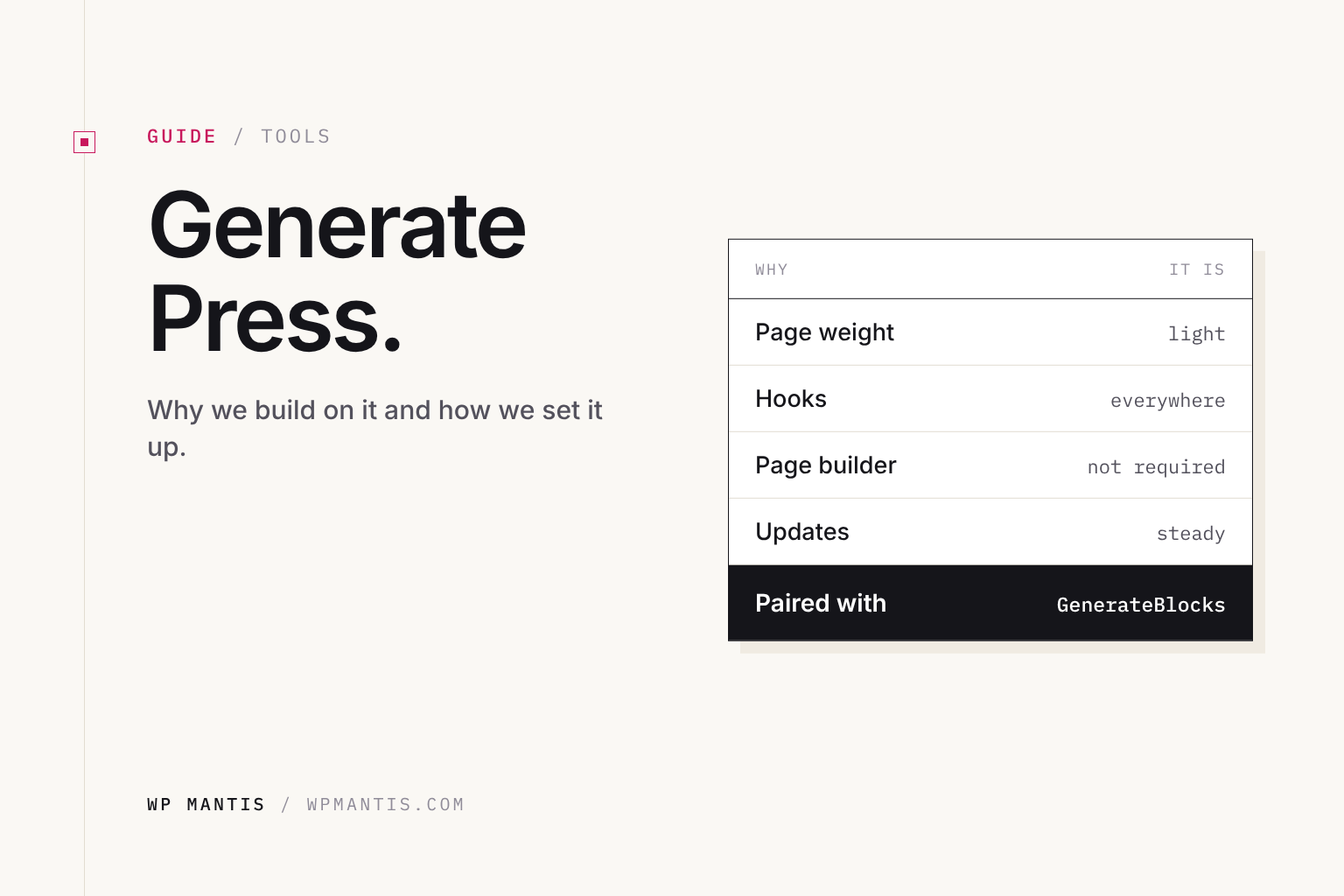
- It’s fast by default. The theme loads very little CSS and JavaScript, so your content, images and plugins decide your speed, not the theme.
- It doesn’t lock you in. Content lives in normal WordPress blocks and fields. If you change themes later, your pages don’t turn into a mess of shortcodes.
- It’s maintained carefully. Updates are steady and rarely break anything, which matters when you look after many sites.
- It works with the block editor instead of replacing it, so there’s no separate page builder to learn or pay for.
- Accessibility and markup are clean, which helps both visitors using assistive technology and search engines.
Free theme or GP Premium?
The free theme on WordPress.org is enough for a simple site. You get the layout controls, colors and typography in the Customizer, and a responsive menu.
GP Premium is a plugin that adds modules on top of the theme. The one we use on every build is Elements: it lets you build headers, footers, page heroes and post templates with blocks, and show each one only where it should appear. Other modules add more typography and spacing control, a secondary menu, sticky and off-canvas menus, blog layout options, WooCommerce controls and a site library of starter designs. If the site has more than a handful of page types, Premium pays for itself in time saved.
How we set it up on client sites
- A child theme from day one. Custom CSS, functions and templates go in the child theme so theme updates never overwrite them.
- Global styles first. We set the color palette, fonts and spacing once, then build pages from those choices so everything stays consistent.
- Elements for the repeating parts. Site header, footer, page heroes and the single-post template are Block Elements, built once and applied by rules.
- GenerateBlocks for layouts, ACF for structured content. Page layouts are built with GenerateBlocks. Custom post types, field groups and custom blocks come from ACF, so a team member edits a staff member or a service area in a simple form instead of rearranging layout blocks.
- Block editor or classic editor per project. We decide by who will edit the site and what they’re comfortable with.
- No page builder. It keeps the site lighter and easier to maintain for years.
Keeping it fast
GeneratePress gives you a fast starting point; the rest is up to the build. The things that make the biggest difference:
- Good hosting with server-level caching. We use xCloud for most sites.
- Properly sized, compressed images in modern formats.
- Fewer plugins, and no plugin that loads its scripts on every page when it’s used on one.
- Fonts loaded locally, and only the weights you use.
Coming from Genesis?
If you landed here from one of our older Genesis tutorials, welcome. We built on Genesis for years, and those posts were retired because we no longer use it. GeneratePress covers the same ground: a lean parent theme, a child theme for your customizations, and hooks for adding content where you need it. GP Premium’s Elements module replaces most of the hook snippets we used to write by hand, and the block editor replaces Genesis widget areas and custom page templates.
Common questions
Is GeneratePress free?
Yes. The theme is free on WordPress.org. GP Premium is a paid plugin that adds modules like Elements and the site library.
Do I need GenerateBlocks too?
It isn’t required, but we use it on most builds. It’s from the same team and handles layouts well: sections, grids, buttons and query loops. We pair it with ACF for anything your team edits as structured content, like staff, locations or services.
Can I switch an existing site to GeneratePress?
Yes, but plan for it. Anything built with your old theme’s shortcodes or a page builder needs to be rebuilt. That’s often a good time to rebuild the site properly rather than patch it.
Want a site built this way?
This is how we build every site on a Growth Plan: GeneratePress, a child theme, GenerateBlocks for layouts, ACF for the parts your team edits, and no page builder. If your current site is slow or hard to change, a free site review will show you what we’d do first.