
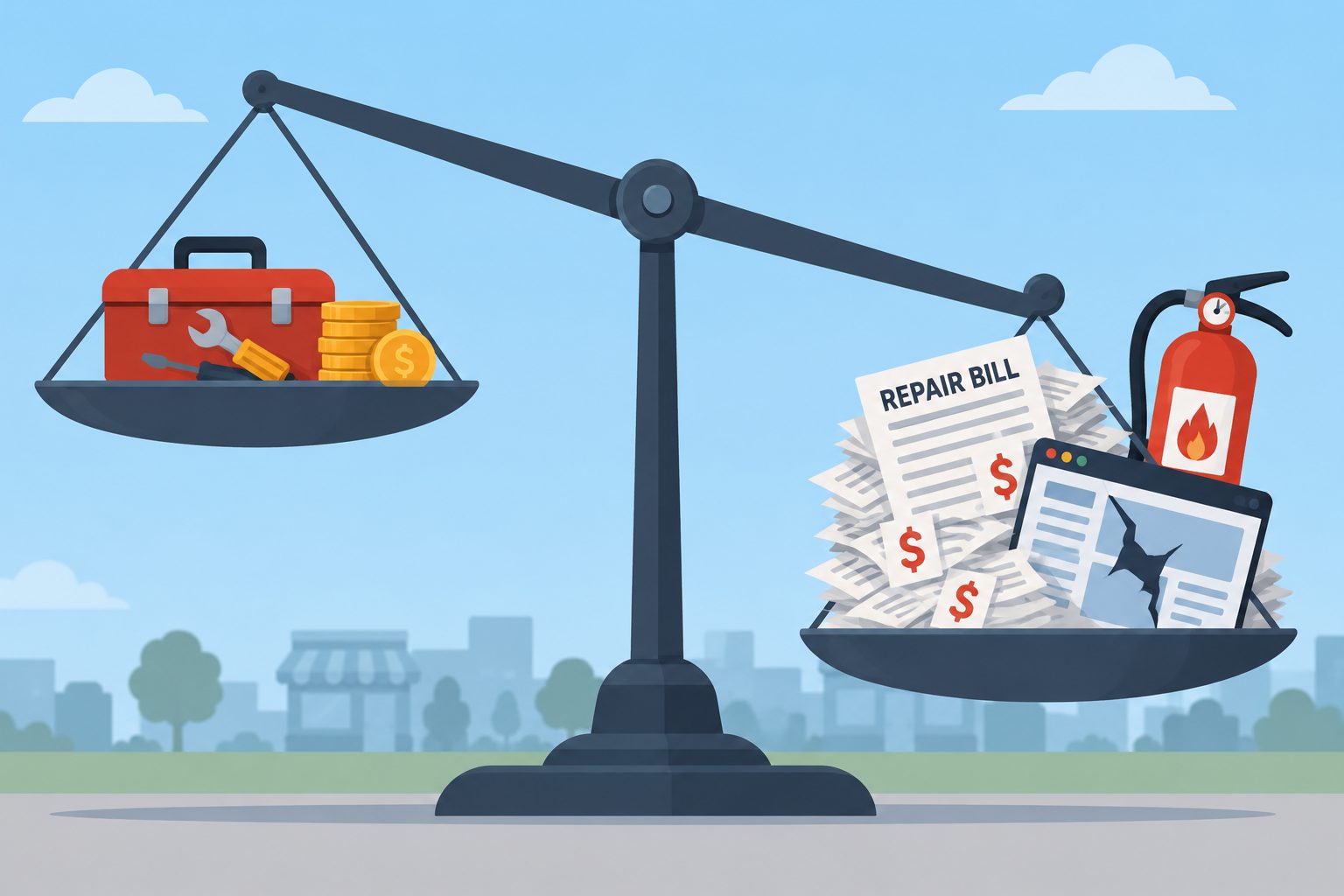
Website maintenance costs anywhere from an hour or two of your own time each month to a few hundred dollars a month for a managed plan. For a typical small-business WordPress site, expect roughly $50 to $200 a month for professional care, more for stores and membership sites. The price matters less than what you actually get for it.
Here’s what each option really costs, what a maintenance plan should include, the red flags in cheap plans, and when paying for maintenance is the wrong answer altogether.
Website maintenance cost at a glance
| Who does it | Typical monthly cost | Best for |
|---|---|---|
| You | $0 to a few dollars in tools, plus 1–2 hours of your time | Simple sites that don’t bring in income |
| Freelancer | Roughly $50–$150 retainer, or $50–$150 an hour | Small sites with a trusted, available developer |
| Agency maintenance plan | Roughly $50–$100 for a brochure site; several hundred for stores and membership sites | Sites where downtime costs leads or sales |
| Build-and-maintain plan | Usually $1,000+ a month | Businesses whose site needs to keep improving, not just stay running |
What maintenance actually involves
Whatever you pay, you’re paying for the same core work:
- Updating WordPress core, plugins and themes, and checking nothing broke afterward.
- Backups stored somewhere other than the server, and occasional test restores.
- Uptime monitoring, so someone knows when the site goes down.
- Security: scanning, login protection, and removing plugins you no longer use.
- Keeping PHP up to date with your host.
- Fixing things when they go wrong.
Our WordPress maintenance checklist breaks this down by week, month and quarter. The question is who does it.
Option 1: do it yourself
Money: often little or nothing. Many backup, security and uptime monitoring tools have free versions that cover a small site.
Time: this is the real cost. For a simple site, plan on an hour or two a month for routine updates and checks, if nothing goes wrong. When something does break, it can take an afternoon or more to track down, and it tends to happen at a bad moment.
DIY works if you’re comfortable with the basics, your site isn’t critical to your income, and you’re disciplined about it: a backup before every update, big updates tested on a staging site, and a real check of the site afterward. It works poorly if you keep putting it off. A site that hasn’t been updated in six months is harder and riskier to update than one done monthly.
Option 2: a freelancer
Freelancers usually charge a monthly retainer or by the hour. Treat these as rough guides: small-site retainers commonly fall around $50 to $150 a month, and hourly rates often run roughly $50 to $150 an hour.
A good freelancer who knows your site can be great value. The risks are availability (vacations, illness, a busy month, moving on to other work) and process. Ask how they test updates, where backups are stored, and who covers for them when they’re away.
Option 3: an agency maintenance plan
Agency plans are usually a fixed monthly fee per site. Basic plans for a brochure site often start around $50 to $100 a month, while plans for busy WooCommerce stores, membership sites or sites with custom development can run several hundred dollars a month or more.
What moves the price up:
- Site complexity. A store or membership site has more to test after each update than a five-page site.
- Support included. Some plans cover content edits and fixes you request; others are maintenance only.
- Response time. Priority response costs more than “we’ll get to it this week.”
- Testing method. Testing updates on staging takes more work than clicking “update all.”
- Backup frequency. Every few hours costs more than daily, and matters for sites that take orders.
Hosting is a separate cost in most cases. Some plans bundle it, so check before comparing prices.
What a maintenance plan should include
- Updates tested before or checked right after they reach the live site, with a way to roll back.
- Off-site backups, daily for most sites, with a clear retention period.
- Restore testing. A backup nobody has restored is a guess. See how to back up and restore WordPress.
- Uptime monitoring with alerts that go to a person, not an unread inbox.
- Security monitoring and a clear answer on what happens if the site is hacked.
- A readable monthly report: what changed, what was watched, what needs attention.
- You keep ownership of your domain, hosting account and admin logins.
Red flags in cheap plans
- “Update everything” with no checks. Auto-updates have their place, as we explain in our post on enabling auto-updates, but someone should still check the site afterward.
- No restore testing. “We take backups” isn’t the same as “we know we can restore them.”
- Vague reports. “23 updates applied” tells you nothing about whether the site still works.
- Hack cleanup costs extra and isn’t mentioned. Find out up front.
- They hold your accounts. If leaving the plan means losing access to your own site, walk away.
The hidden cost of not maintaining
Skipping maintenance doesn’t make it free. It moves the cost to later, usually with interest.
- Security. Outdated plugins are one of the most common ways WordPress sites get hacked. Cleanup, lost search visibility and lost trust cost far more than prevention. See what to do if your site is hacked.
- Downtime. Every hour a site is down is lost leads or sales, and without monitoring you may not notice for days.
- Bigger, riskier updates. Jumping several major versions at once is far more likely to break things than small regular updates.
- Emergency rates. Urgent fixes on a neglected site take longer, and usually cost more, than routine care.
When paying for maintenance is the wrong answer
Maintenance keeps a good site healthy. It does not fix a bad one. If the build is bloated, the forms don’t convert and the design is eight years old, careful maintenance just keeps all of that running safely for years. You pay monthly to preserve the problem.
In that case the better spend is a rebuild. The usual pattern is a one-time project every few years, then cheap upkeep until the site falls behind again. The alternative is a monthly build-and-maintain plan: the rebuild is delivered in phases and paid across the term, and the same team keeps improving the site afterward, so it never needs a from-scratch redo.
What WP Mantis charges
| Plan | Price | What it’s for |
|---|---|---|
| Maintain Care | $69 / month / site | Updates, backups, security and uptime monitoring, and a monthly report |
| Complete Care | $197 / month / site | Everything in Maintain, plus content edits and support requests |
| Advanced Care | $299 / month / site | Stores and membership sites: updates tested on staging first, more frequent backups, transaction monitoring and priority response |
| Growth Plan | From $1,000 / month | A phased rebuild plus ongoing improvements, hosting and maintenance included |
Care Plans can be cancelled by email with no notice period, and annual billing gets two months free. Churches, schools and nonprofits get our mission rate on any plan. If you’d rather handle upkeep yourself and only call when something breaks, a one-time fix is $79 per issue.
Common questions
Is website maintenance a monthly or yearly cost? Usually monthly. Many providers, including us, discount annual billing.
Does maintenance include hosting? Usually not. Budget hosting separately unless the plan says it’s bundled.
Does maintenance include content changes? Depends on the plan. Maintenance-only plans don’t; support plans include edits up to a stated scope.
How do I know which level my site needs? Ask what an hour of downtime costs you. If the answer is “nothing much,” a basic plan or DIY is fine. If it’s leads or orders, pay for faster response.
Not sure what your site needs?
Start with a free site review. We’ll tell you honestly whether you need maintenance, a rebuild, or nothing at all, even if the answer is that you can handle it yourself.